

Help Center
Welcome to SentryDock’s help center — the place to learn how to watch public news and social sources, filter for what matters, and get alerts where you already work. Still stuck?
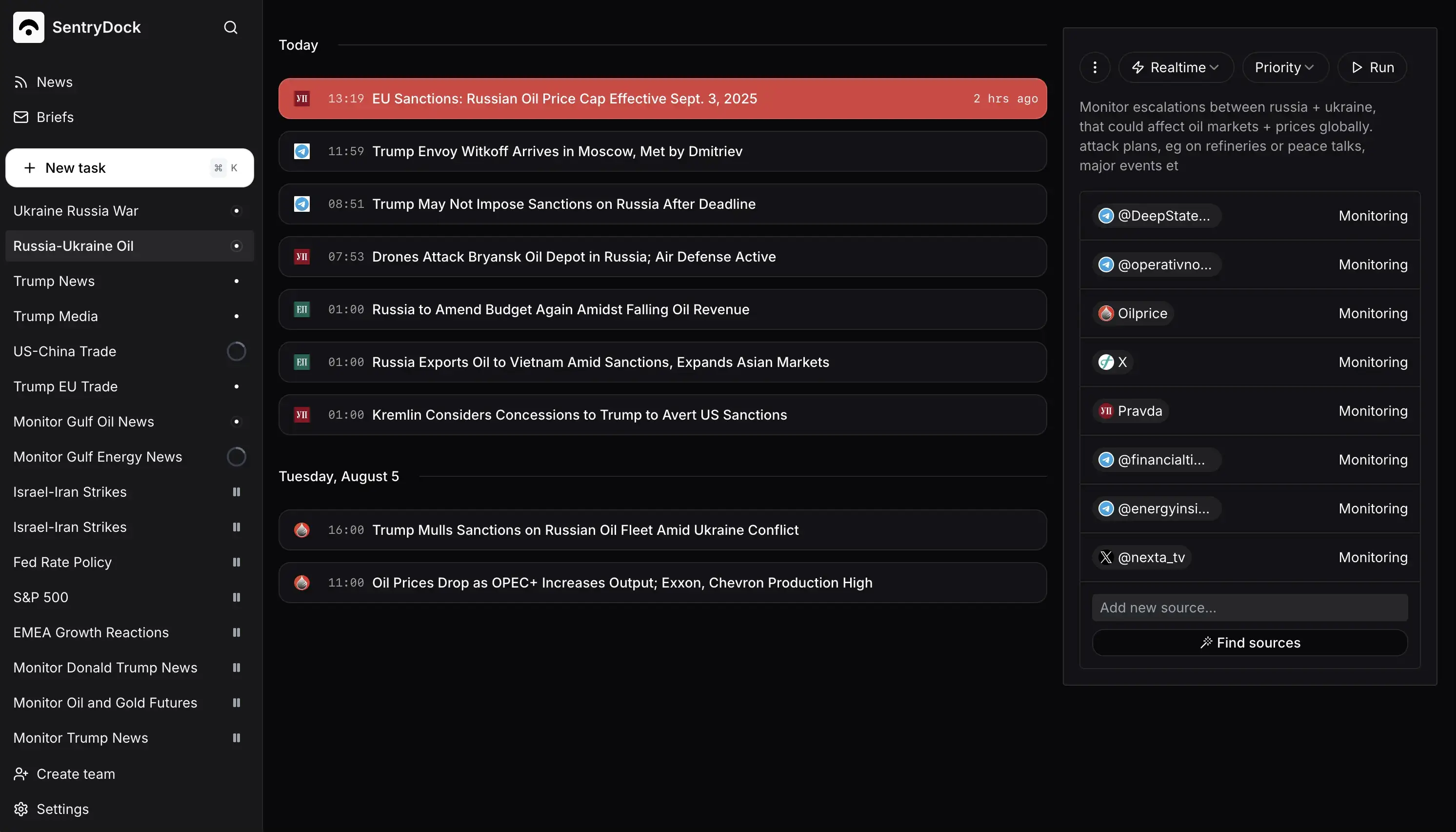
Get started
Learn what SentryDock monitors, how its relevance filtering works, and how to create a first monitor that returns news you actually want to read.
Start here
Sources and first week
Monitors
How monitors run, which schedules to use, how relevance and predictions work, and how to share or pause a monitor.
How monitors run
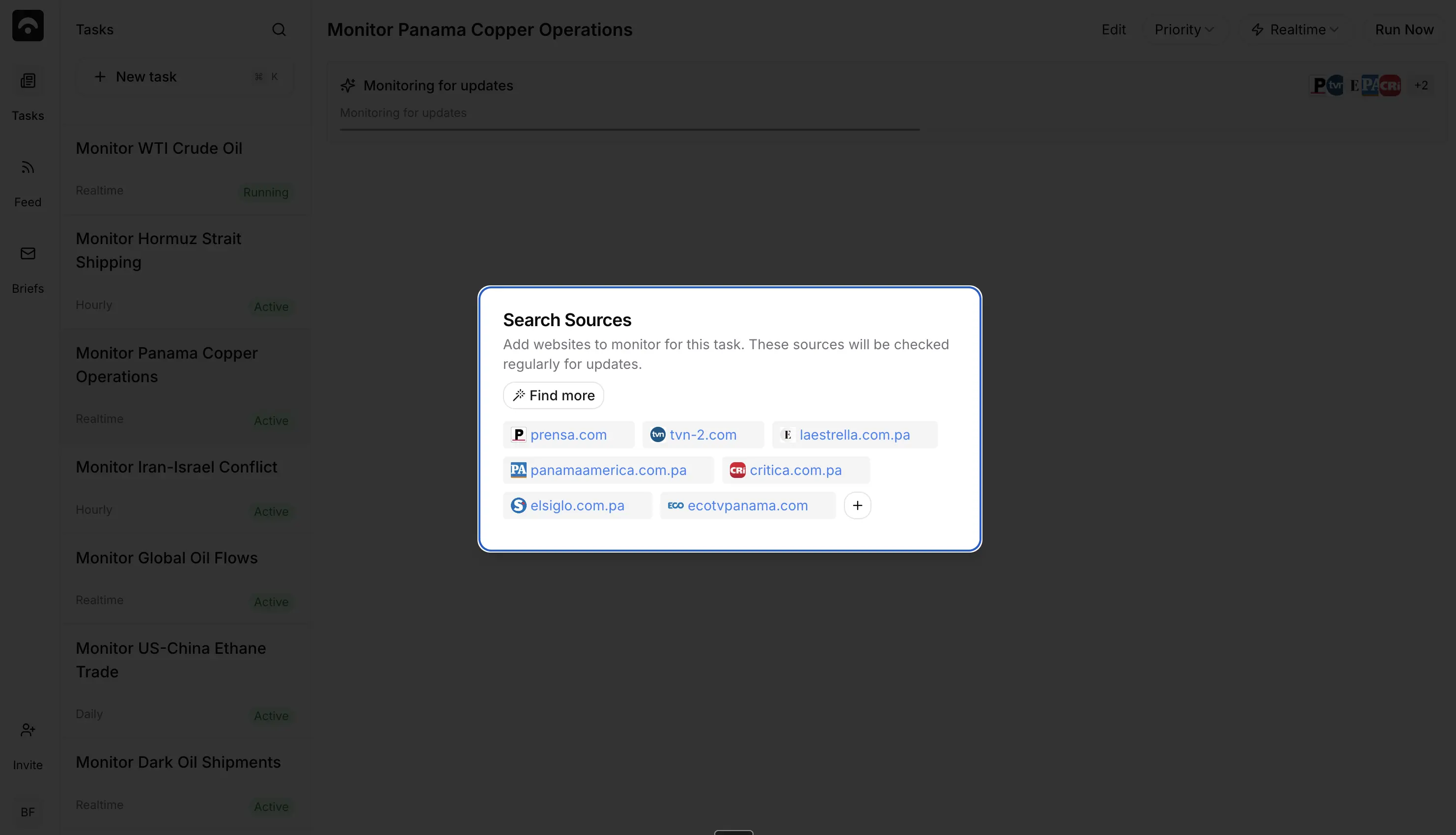
Sources
Public websites, RSS, Reddit, X, Telegram, Truth Social, local news and government pages you can attach to a monitor.
Web and official
Social
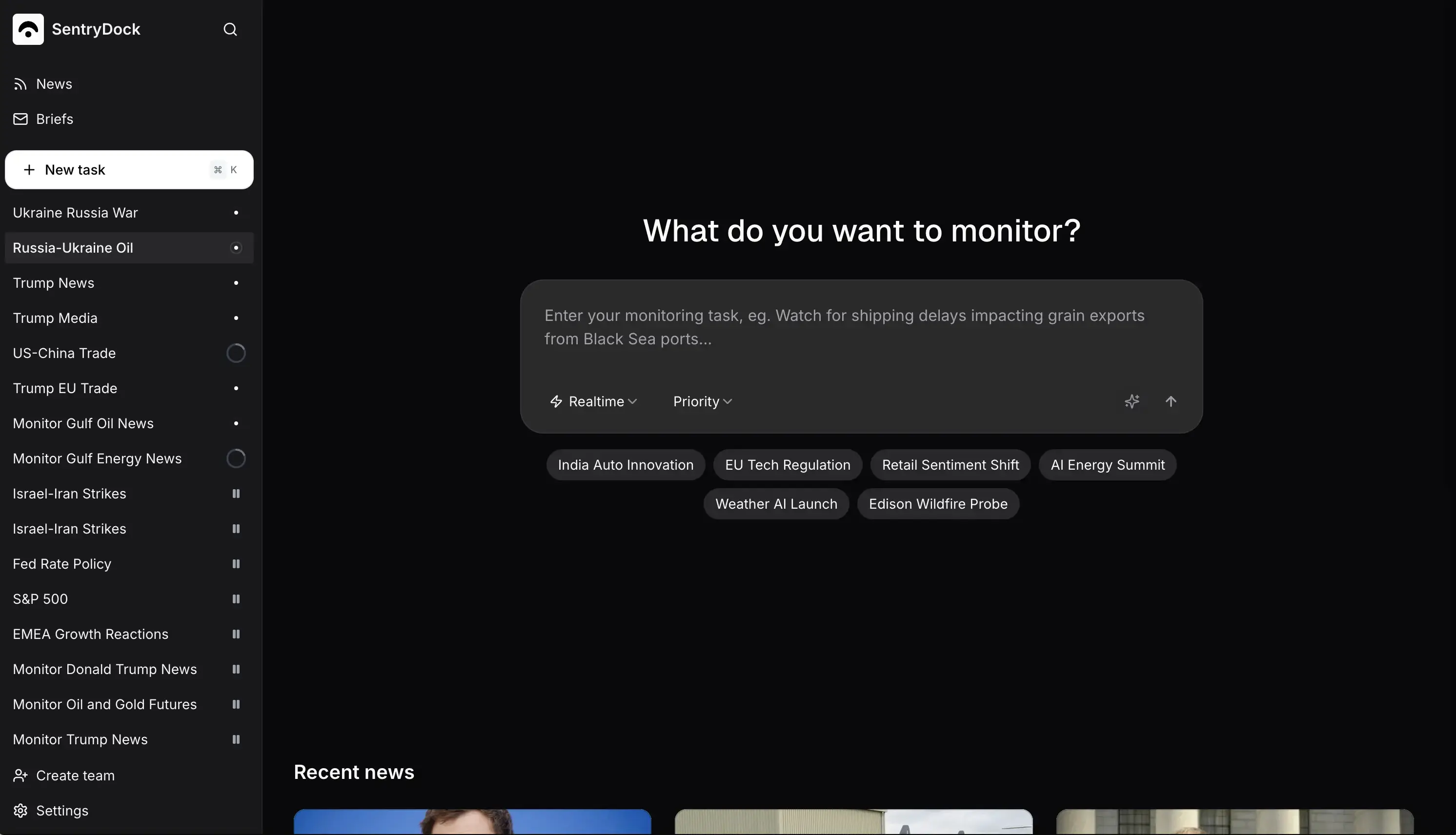
Alerts
How SentryDock chooses relevant results and sends alerts to people, teams or an assistant’s signed webhook.
How alerts work
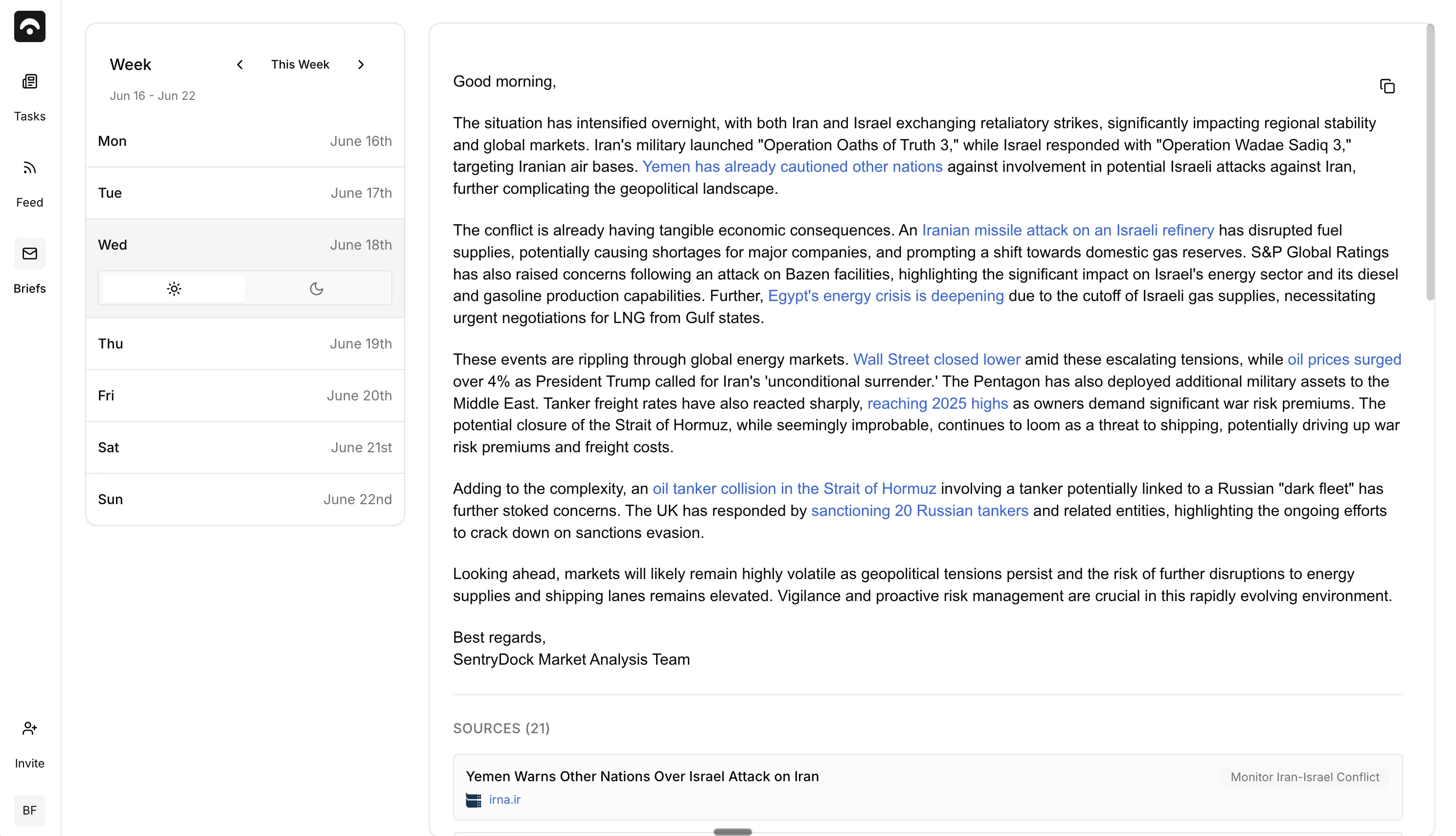
Briefings
Optional morning and evening email summaries of what your monitors found, sent at 6:00 and 18:00 in your timezone.
Plans & billing
Starter, Pro and Ultra pricing explained: what each plan includes, how realtime slots work, and how to upgrade, change or cancel your subscription.
Plans
AI agents
Connect an AI agent to source-linked news, alerts and ongoing monitoring. Setup for Claude, ChatGPT, Codex, Cursor, OpenClaw and more.
Connection and installation
Setup by client
- How do I use SentryDock with Claude Code?
- How do I use SentryDock with Claude Cowork?
- How do I use SentryDock with Claude?
- How do I use SentryDock with ChatGPT?
- How do I use SentryDock with Codex?
- How do I use SentryDock with Cursor?
- How do I use SentryDock with Gemini CLI?
- How do I use SentryDock with Grok Build?
- How do I use SentryDock with OpenClaw?
- How do I use SentryDock with Kimi Code?
- How do I use SentryDock with Hermes Agent?
- How do I use SentryDock with Paperclip?
- How do I use SentryDock with Perplexity Computer?
Research and ongoing monitoring
Other connection surfaces
Guides
How to point SentryDock at commodities, crypto, geopolitics, Truth Social policy posts, and how it compares with Google Alerts or Truth API.
By desk
Resources
Facts for AI assistants, comparison pages, machine-readable summaries, founders, privacy, and how to reach support.