Get started
Learn what SentryDock monitors, how its relevance filtering works, and how to create a first monitor that returns news you actually want to read.
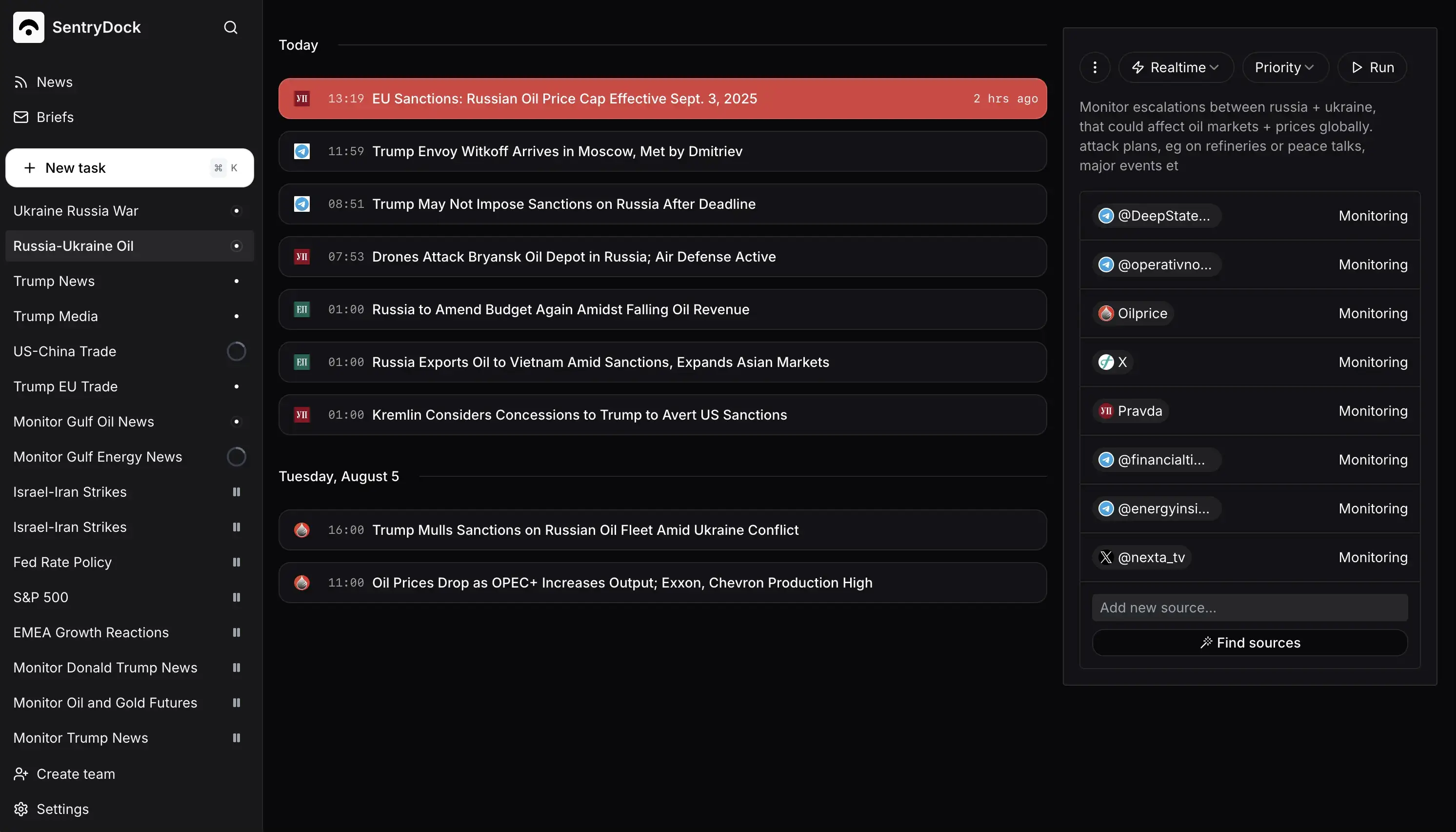
SentryDock watches public news and social sources for a topic you define. Instead of sending every mention, it collects new material, removes duplicates and uses your instructions to decide what is relevant.
A good first monitor has a narrow subject, a clear reason for alerting you and a sensible schedule. Start with one monitor, check the first results against the original sources, then add destinations.