

Monitors
How monitors run, which schedules to use, how relevance and predictions work, and how to share or pause a monitor.
A monitor is a saved brief, a source list and a schedule. SentryDock checks those sources, compares new material with the brief, and only keeps items that appear relevant.
Use realtime slots for breaking subjects. Use hourly or daily for everything else — those schedules are unlimited on every plan.
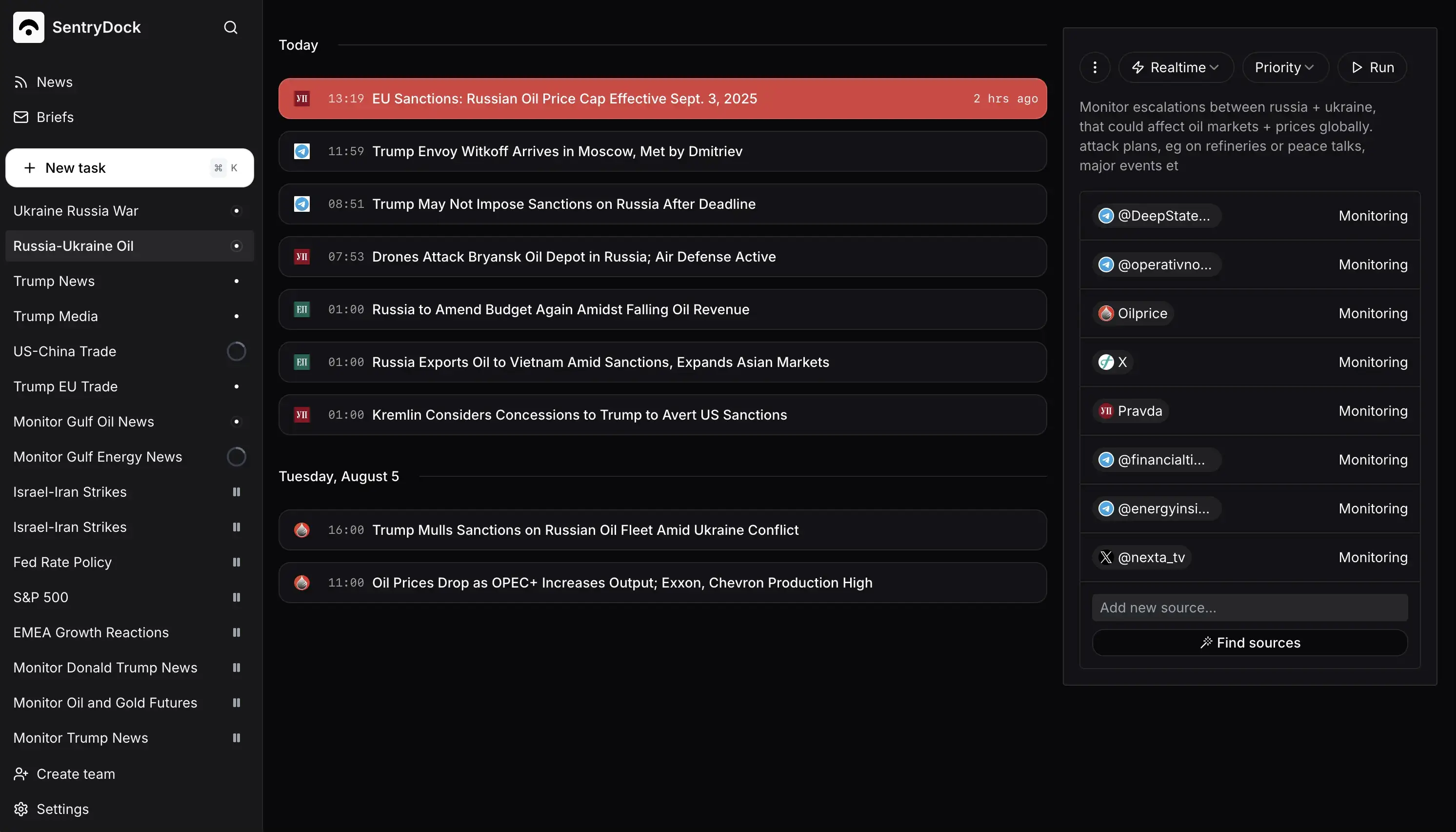
How monitors run
⚙️ How does a monitor actually run?
Each run collects new source material, filters it against your brief, then summarizes and delivers what remains.⏱️ When should I use realtime, hourly or daily?
Realtime is a scarce slot for breaking subjects. Hourly and daily are unlimited — use them by default.📚 How many sources can a monitor have?
Starter allows 10 sources per monitor, Pro 25, Ultra 50. A short list of trusted sources beats a long noisy one.🎯 How does relevance filtering work?
New items are compared with your brief. Duplicates and off-topic mentions are dropped before an alert is sent.
Analysis and maintenance
🔮 What are predictions and impact analysis?
After an item is relevant, optional analysis estimates why it might matter. Depth depends on your plan. It is not a trading signal.🛠️ How do I edit, pause or delete a monitor?
Edit the brief, sources or schedule in the monitor. Pause it to stop checks without deleting history. Delete it when the topic is finished.🔗 Can I share a monitor with someone else?
Some workspaces can share a monitor so others can see the same brief and results. Recipients still need access you are allowed to grant.⚠️ Why did a monitor run fail or return nothing?
An empty run usually means nothing relevant appeared. A failed run usually means a source could not be read, or the job stopped early.